

How to Protect Your Personal Data Online
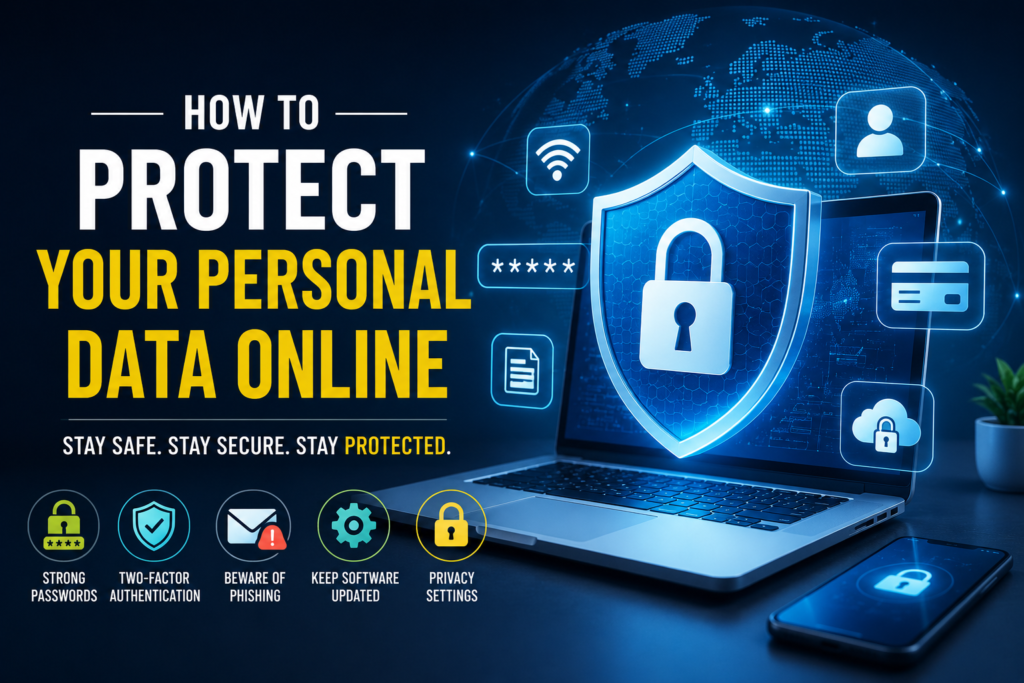
The internet has become an essential part of everyday life. We use it for shopping, banking, social media, communication, education, entertainment, and work. However, every time we go online, we may share personal information such as our name, email address, phone number, location, photos, and financial details.
Protecting this information is important because cybercriminals can use stolen data for scams, identity theft, account takeovers, and other types of online fraud.
The good news is that you can take several simple steps to improve your online privacy and security.
1. Use Strong and Unique Passwords
A strong password is one of the simplest ways to protect an online account.
Avoid using easy-to-guess passwords such as your name, birthday, phone number, or simple combinations like “123456.” Instead, use long and unique passwords that contain a mixture of letters, numbers, and symbols.
Most importantly, don’t reuse the same password across multiple accounts. If one website suffers a data breach, reused passwords could put your other accounts at risk.
A password manager can also help you create and securely store unique passwords.
2. Turn On Two-Factor Authentication
Two-factor authentication, often called 2FA, adds another layer of security to your accounts.
With 2FA enabled, signing in usually requires your password plus another verification method, such as an authentication app, security key, or one-time code.
Even if someone discovers your password, 2FA can make it much harder for them to access your account.
3. Be Careful With Phishing Messages
Phishing is a common online scam in which attackers try to trick people into revealing sensitive information.
You may receive an email, text message, or social media message pretending to come from a bank, company, delivery service, or another organization.
Before clicking a link or providing information, check:
- Who sent the message
- The website address
- Whether the request is unexpected
- Spelling and grammar
- Whether you’re being pressured to act immediately
Never share passwords, verification codes, or sensitive information simply because a message asks for them.
4. Keep Your Devices and Apps Updated
Software updates aren’t only about adding new features. They often include security fixes that protect devices from known vulnerabilities.
Keep your:
- Smartphone
- Computer
- Web browser
- Apps
- Operating system
updated whenever possible.
Automatic updates can make this process easier.
5. Be Careful on Public Wi-Fi
Public Wi-Fi networks in places such as cafés, airports, hotels, and shopping centers can be convenient, but you should still be cautious when using them.
Avoid entering highly sensitive information on unfamiliar networks, particularly if the connection seems suspicious.
When possible, use your mobile data or a trusted network for sensitive activities such as online banking.
6. Review Your Privacy Settings
Social media platforms and apps often allow you to control who can see your information.
Regularly review your privacy settings and consider limiting access to information such as:
- Your phone number
- Email address
- Location
- Date of birth
- Personal photos
- Friends or followers
- Contact lists
Think carefully before making personal information publicly visible.
7. Download Apps From Trusted Sources
Only download apps from reputable app stores or official websites whenever possible.
Before installing an app, check its developer, reviews, requested permissions, and reputation.
If a simple app asks for access to information it doesn’t reasonably need, consider whether you really want to install it.
8. Don’t Overshare on Social Media
Sharing too much information online can make it easier for scammers to target you.
Avoid publicly posting sensitive details such as your full address, financial information, passwords, or important account details.
Even seemingly harmless information can sometimes be combined with other data to create convincing scams.
9. Secure Your Email Account
Your email account deserves special attention because it may be connected to many other services.
If someone gains access to your email, they may be able to request password resets for other accounts.
Use a strong, unique password and enable two-factor authentication on your email account whenever available.
10. Back Up Important Data
Protecting personal information also means preparing for device failure, accidental deletion, or malware.
Regularly back up important files such as:
- Photos
- Documents
- School or work files
- Important personal records
Keep backups in a secure location, such as a trusted cloud service or external storage.
11. Think Before You Share Personal Information
Before entering personal information into a website or app, ask yourself:
“Does this service really need this information?”
The less unnecessary personal information you share online, the less information there is available to be misused if an account or service is compromised.
Conclusion
Protecting your personal data online doesn’t require you to be a technology expert. Simple habits such as using strong passwords, enabling two-factor authentication, avoiding suspicious links, keeping software updated, reviewing privacy settings, and limiting the information you share can significantly improve your online security.
The internet is an important part of modern life, so learning how to protect your personal information is an investment in your privacy and digital safety.
Stay alert, think before you click, and protect your personal information every time you go online