

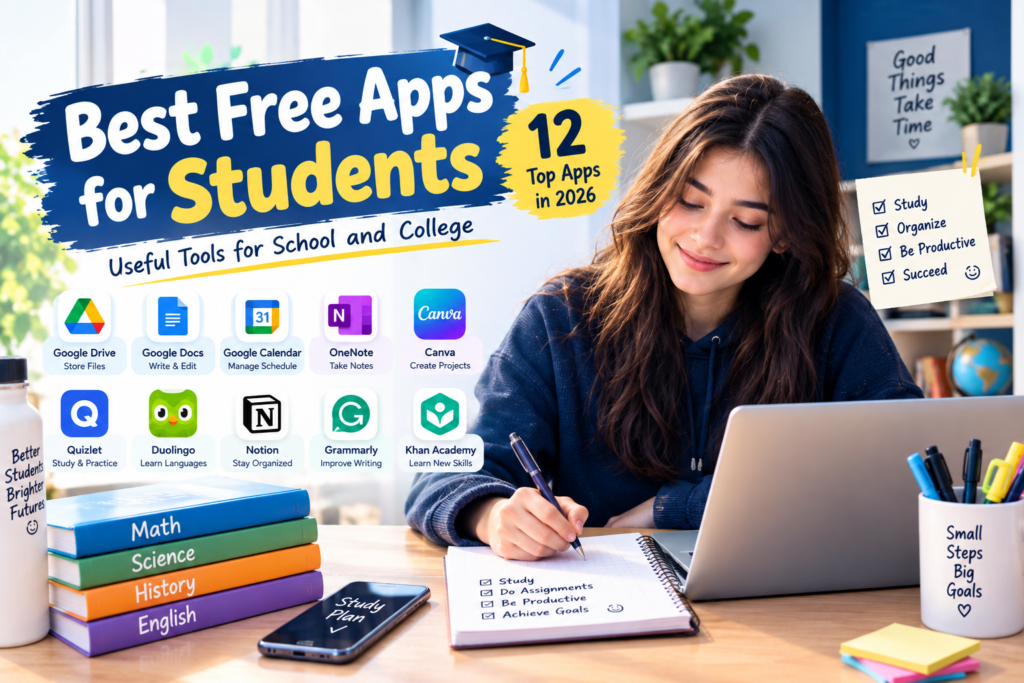
Being a student can be challenging. Between classes, homework, exams, assignments, notes, deadlines, and group projects, staying organized is not always easy. Fortunately, there are many free apps for students that can make studying and everyday school life easier.
The best part is that you do not always need expensive subscriptions. Many popular apps offer free versions with useful features for students.
In this guide, we’ll explore some of the best free apps for students, what they can help with, and how to use them effectively.
Why Should Students Use Free Apps?
Students have different needs depending on their classes and study habits. Some need an app for taking notes, while others need help managing assignments, creating presentations, studying languages, or organizing files.
Free student apps can help you:
- Organize homework and assignments
- Take and manage class notes
- Create study schedules
- Store important documents
- Collaborate on school projects
- Practice difficult subjects
- Improve productivity
- Keep track of deadlines
- Create presentations and documents
- Build better study habits
The key is choosing apps that solve real problems instead of downloading too many apps that become distractions.
1. Google Drive – Store and Organize School Files
Google Drive is useful for students who need to keep documents, presentations, PDFs, and other files organized.
You can create folders for different classes and access your files from multiple devices. This can be especially useful when you work on a school computer but need to continue studying at home.
Useful features for students
- Cloud file storage
- File organization
- Document sharing
- Collaboration
- Access across devices
- Automatic syncing
A simple folder structure such as School → English → Assignments can make it much easier to find important files.
2. Google Docs – Write Assignments Online
Google Docs is a popular choice for writing essays, reports, assignments, and other school documents.
Because documents can be stored online, students can continue working without carrying files around on a USB drive.
It also allows collaboration, which is useful for group projects.
Best uses
- Essays
- Reports
- Class notes
- Group projects
- Research drafts
- Study guides
3. Google Calendar – Keep Track of Deadlines
Students often have several deadlines at the same time. Google Calendar can help you organize exams, assignments, classes, and personal activities.
Instead of trying to remember every deadline, add important dates to your calendar.
For example:
Monday: Math assignment
Wednesday: History presentation
Friday: Science exam
You can also create reminders so important dates don’t get forgotten.
4. Microsoft OneNote – Digital Note-Taking
Microsoft OneNote is designed for organizing digital notes.
Students can create separate notebooks or sections for different subjects.
For example:
- Mathematics
- Science
- English
- History
- Computer Science
This makes it easier to keep class information organized instead of having notes scattered across different apps.
5. Canva – Create Presentations and School Projects
Canva can be helpful when students need to create visual presentations, posters, infographics, or project materials.
Its templates can make it easier to create professional-looking designs without advanced graphic-design experience.
Students can use Canva for:
- Presentations
- Posters
- Infographics
- Study planners
- Project covers
- Educational graphics
Remember to focus on your own ideas and information rather than simply copying templates or other people’s work.
6. Quizlet – Practice With Digital Flashcards
Quizlet can help students review vocabulary, definitions, concepts, and other study material using digital flashcards.
Flashcards can be particularly useful when you need to remember information over time.
For example, a biology student could create cards for important terms and definitions.
Good subjects for flashcards
- Languages
- Biology
- History
- Geography
- Science
- Vocabulary
7. Duolingo – Practice a New Language
Duolingo offers short lessons that can help students practice languages.
Instead of studying for a long period once a week, students can build a regular learning habit with short sessions.
It can be useful for practicing:
- Vocabulary
- Basic grammar
- Reading
- Listening
- Everyday phrases
The free version includes a range of learning content, although available features can change over time.
8. Forest – Reduce Phone Distractions
One of the biggest challenges for students isn’t always difficult homework—it can be staying focused.
Forest uses a focus-timer concept to encourage users to stay away from distractions while studying.
You can set a study period and focus on your task instead of constantly checking your phone.
A simple approach is:
25 minutes: Study
5 minutes: Break
Repeat the cycle several times and then take a longer break.
9. Notion – Organize Your Student Life
Notion can be used for notes, task lists, calendars, project planning, and personal organization.
Students can create a simple dashboard containing:
- Class schedule
- Assignment list
- Exam dates
- Notes
- Study goals
- Reading lists
However, don’t spend too much time designing your productivity system. The goal is to study, not build a complicated dashboard.
10. Grammarly – Improve Writing
Grammarly can help students identify certain spelling, grammar, punctuation, and writing issues.
It can be useful when reviewing an essay or assignment before submitting it.
Students should still read their work themselves. Writing tools can make suggestions, but they don’t replace understanding the subject or checking whether your argument makes sense.
11. Khan Academy – Learn Difficult Topics
Khan Academy provides educational lessons and practice material across many subjects.
It can be useful when a student doesn’t fully understand something from class and wants another explanation.
Common areas include:
- Mathematics
- Science
- Economics
- Computing
- Test preparation
One advantage of using educational platforms is that students can review topics at their own pace.
12. Zoom – Join Online Classes and Study Groups
Zoom can be useful for online classes, tutoring sessions, meetings, and study groups.
For group assignments, students can use video meetings to discuss ideas and divide responsibilities.
Always follow your school’s rules when using video-conferencing apps for classes.
How to Choose the Best Free Apps for Students
You don’t need every student app available.
Instead, choose apps based on your specific needs.
If you need better organization
Try:
- Google Calendar
- Notion
- Google Drive
If you need better notes
Try:
- Google Docs
- OneNote
- Notion
If you need study practice
Try:
- Quizlet
- Khan Academy
If you need better focus
Try:
- Forest
- A simple phone timer
If you need creative school projects
Try:
- Canva
- Google Slides
How Many Apps Should a Student Use?
More apps don’t automatically mean better productivity.
A student might only need four or five core tools.
For example:
Google Drive: Store files
Google Calendar: Track deadlines
OneNote: Take notes
Quizlet: Review information
Canva: Create presentations
This simple setup can cover many common student needs.
Tips for Using Free Student Apps Effectively
1. Turn Off Unnecessary Notifications
Notifications can interrupt studying. Keep only the alerts that are genuinely useful.
2. Organize Your Files
Create folders for each subject and school year.
3. Use a Calendar
Add exams and major assignment deadlines as soon as you receive them.
4. Back Up Important Work
Don’t rely on one device to store important schoolwork. Cloud storage can provide an additional copy.
5. Don’t Let Apps Become Distractions
An app should make studying easier, not consume your study time.
6. Check Your School’s Rules
Some schools have specific policies about AI tools, online collaboration, calculators, or other technology. Follow the rules that apply to your class.
Are Free Apps Safe for Students?
Before creating an account on any app, check its privacy policy and understand what information it collects.
Avoid sharing sensitive personal information unless it is genuinely necessary.
Students should also use strong passwords and enable additional account security when available.
Can Free Apps Really Improve Studying?
Apps can make studying more organized and convenient, but they are not a replacement for learning.
The most useful combination is:
Good study habits + useful apps + consistent practice
For example, a student might use Google Calendar to plan a study session, OneNote to review notes, Quizlet to practice key terms, and Khan Academy to understand a difficult concept.
The technology supports the learning process—the student still needs to think, practice, and understand the material.
Final Thoughts
The best free apps for students are the ones that solve everyday problems such as organization, note-taking, studying, writing, collaboration, and time management.
You don’t need dozens of applications. Start with a few useful tools and build a simple system that fits your school routine.
Whether you’re in high school, college, or taking online classes, the right free apps can help you organize your work and make your study routine more efficient.
Frequently Asked Questions
What are the best free apps for students?
Google Drive, Google Docs, Google Calendar, OneNote, Canva, Quizlet, Khan Academy, and other free tools can help students with organization, studying, writing, and school projects.
Are free student apps really free?
Many apps offer useful free versions, although some also have optional paid features. Features and pricing can change, so check the app’s current offering before signing up.
What is the best app for organizing homework?
Google Calendar and Notion can both be useful for tracking assignments and deadlines. A simple task list can also work well.
Which free app is good for studying?
Quizlet can be useful for flashcard-based review, while Khan Academy can help students learn and practice certain academic subjects.
Should students use many productivity apps?
Not necessarily. A small collection of tools that you actually use consistently is often easier to manage than a large number of apps.